LinkedIn Blog Post Image Generator
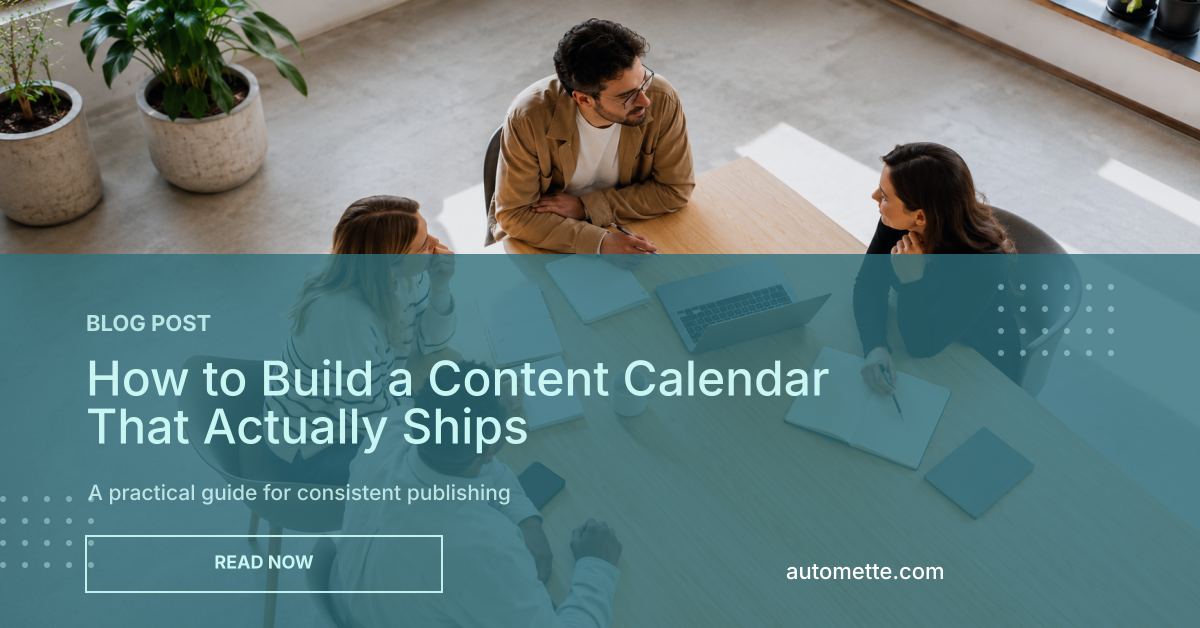
Create a 1200x628 image for sharing a blog post on LinkedIn. Add the post title, short summary, category label, site name, brand color, and optional cover image.
Example output
Your generated image will use this 1200x628 LinkedIn format.
Create your image
Fill in the blog details and generate a 1200x628 PNG.
About this tool
This tool creates a 1200x628 PNG image for promoting a blog post on LinkedIn. That landscape size works well for blog announcements, article shares, newsletter links, and content marketing posts where the title needs more room than a square graphic can provide.
Add the blog post title, a short summary, a category label, your site name, a brand color, and an optional cover image. The generated image is ready to use in a LinkedIn post, campaign update, or editorial content workflow.
For one-off use, generate the image here. For repeated publishing workflows, Automette can turn the same template into an automated step connected to Airtable, Google Sheets, CSV files, forms, webhooks, or your own API.
Make your first document.
Pick a template from the library or design your own, then generate one from your data. Free to start.