Generate documents from thousands of apps.
Add Automette as a step in a Zap. Whatever starts the Zap, a form, a deal, a payment, the document is made from your template and the file goes to the step after it.

| Step | Does | App |
|---|---|---|
| 1 | New form response | Typeform |
| 2 | Generate document | Automette |
| 3 | Send email with attachment | Gmail |
What you can make from a Zap
Automette is the step that turns whatever your Zap is carrying into a finished file.
How it works
Anything can start it
Whatever app begins your Zap decides when a document is made. Automette does not need to know where the data came from.
Your template, filled from the Zap
Pick a template and map the fields of your trigger onto it, the way you map any other Zapier step.
The file goes to the next step
The finished document's link comes back into the Zap, so the step after it can email, store or post the file.
Where the file goes
On to the rest of the Zap
The link to the finished file is a field like any other, ready for Gmail, Drive, Slack or whatever comes next.
Documents as a trigger
A second event fires whenever a document finishes in Automette, however it was made, so a Zap can act on it.
A record of every run
Each document is listed in Automette with the template it used and the values it was made from.
Start from a template
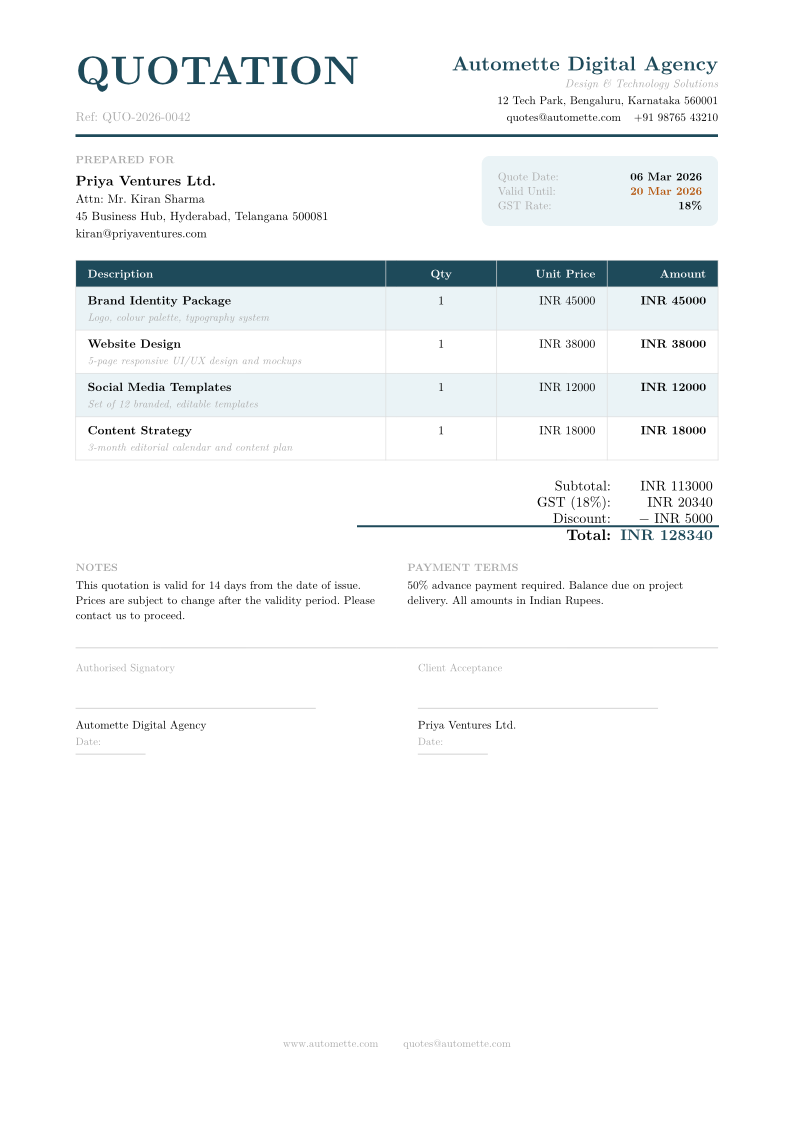
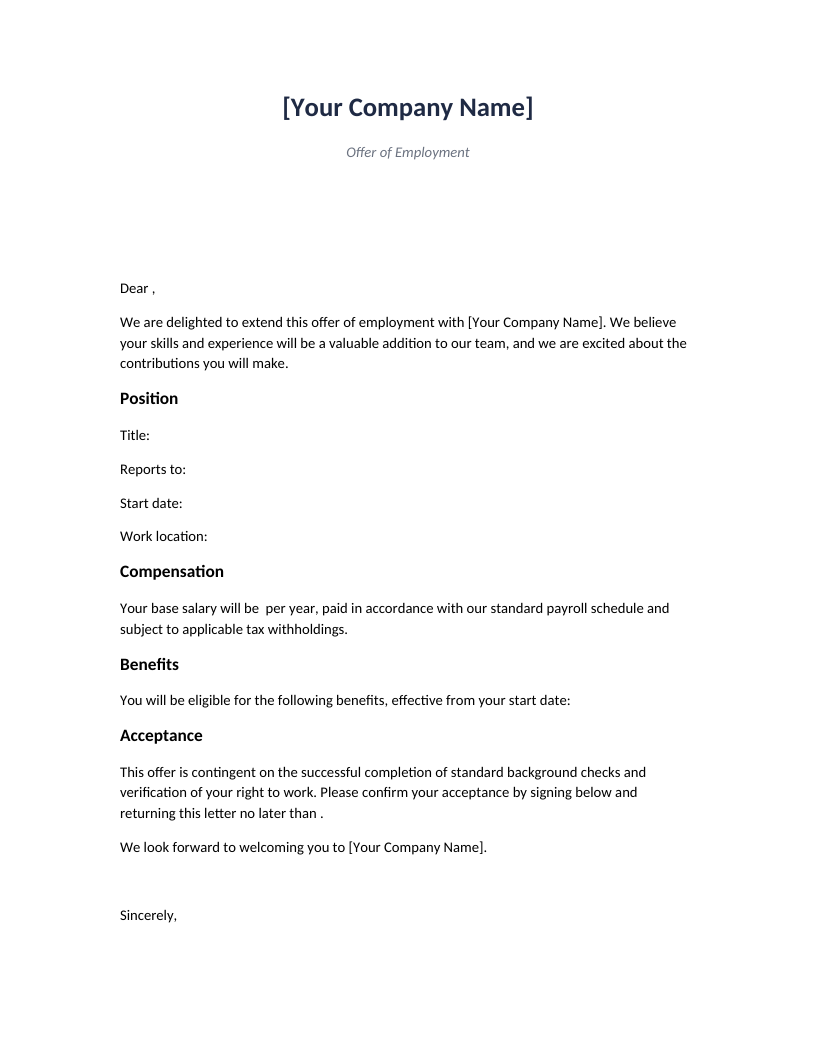
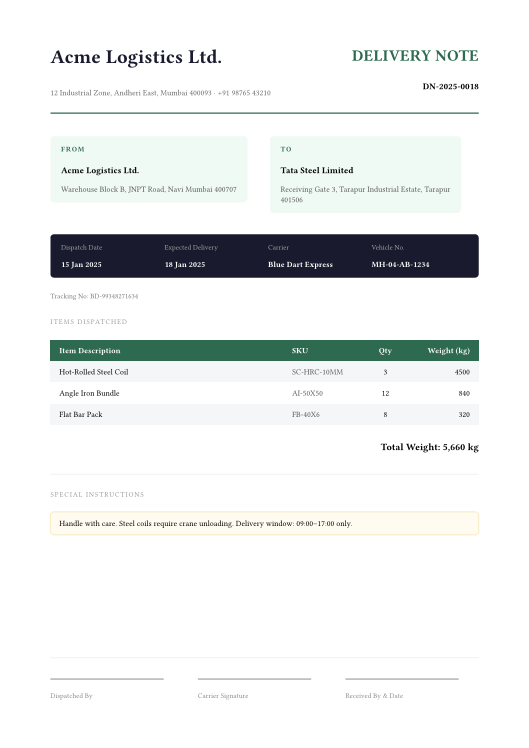
Any of these can be filled from a Zap. Use one as it is, or change it to match your own.

Questions and answers
Which apps can I connect?
Anything Zapier connects to, which is several thousand tools. Automette is one step in your Zap; the rest of the Zap is whatever you already use.
Do I need a paid Zapier plan?
Not for Automette's sake. Whether you need one depends on the other apps in your Zap and how many tasks you run, which is between you and Zapier.
What comes back into the Zap?
A link to the finished file, its format, the template that made it and the values it was made from.
What if a document takes a while to make?
The Zap waits for it rather than guessing. A step that takes seconds and one that takes minutes both finish properly.
I only use Google Sheets or Airtable. Do I need Zapier?
No. Both connect to Automette directly, with no Zapier account in between.
Put Automette in your next Zap.
Pick a template, map the fields from your trigger, and let the Zap do the rest. Free to start.