Turn spreadsheet rows into finished documents.
Connect a Google Sheet, match its columns to a template, and mark a row ready. Automette makes the document and writes the link back into the row.

| Row | Client | Status | Document link |
|---|---|---|---|
| 2 | Acme Co. | Ready | invoice-1042.pdf |
| 3 | Bluebird Ltd. | Draft | Empty |
| 4 | Cedar Works | Ready | invoice-1043.pdf |
What you can make from a sheet
The sheet stays where it is and stays the record of what was made. Automette reads the row, fills the template and puts the finished file back.
How it works
Your sheet, connected
Automette asks for Google Sheets access and nothing else. It never asks for Google Drive.
Your columns, on your template
Columns whose names already match are matched for you, and one column decides when a row is ready.
The file, back in the row
The sheet stays the record of what was made and what is still to come.
Column mapping
A template can take text, dates, numbers and images. Each one is filled from a column you choose, and columns whose names already match are matched for you.
{{client_name}}{{invoice_date}}{{amount}}{{logo}}Starts the runReceives the fileWhere the file goes
Back in the sheet
The file's link lands in the row it came from, so anyone who opens the sheet can see what has been made.
On to the next system
A webhook tells your other tools the moment a document is ready, with the link to it.
A record of every run
Each document is listed with the template it used and the row it came from, so a question about one file has an answer.
Start from a template
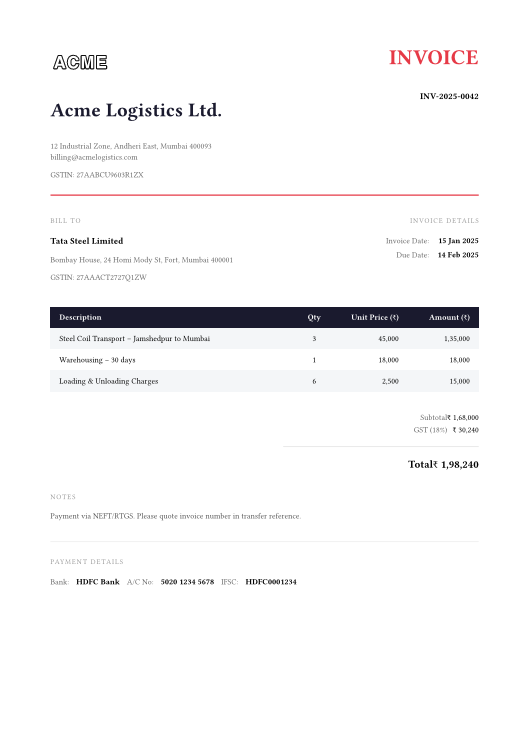
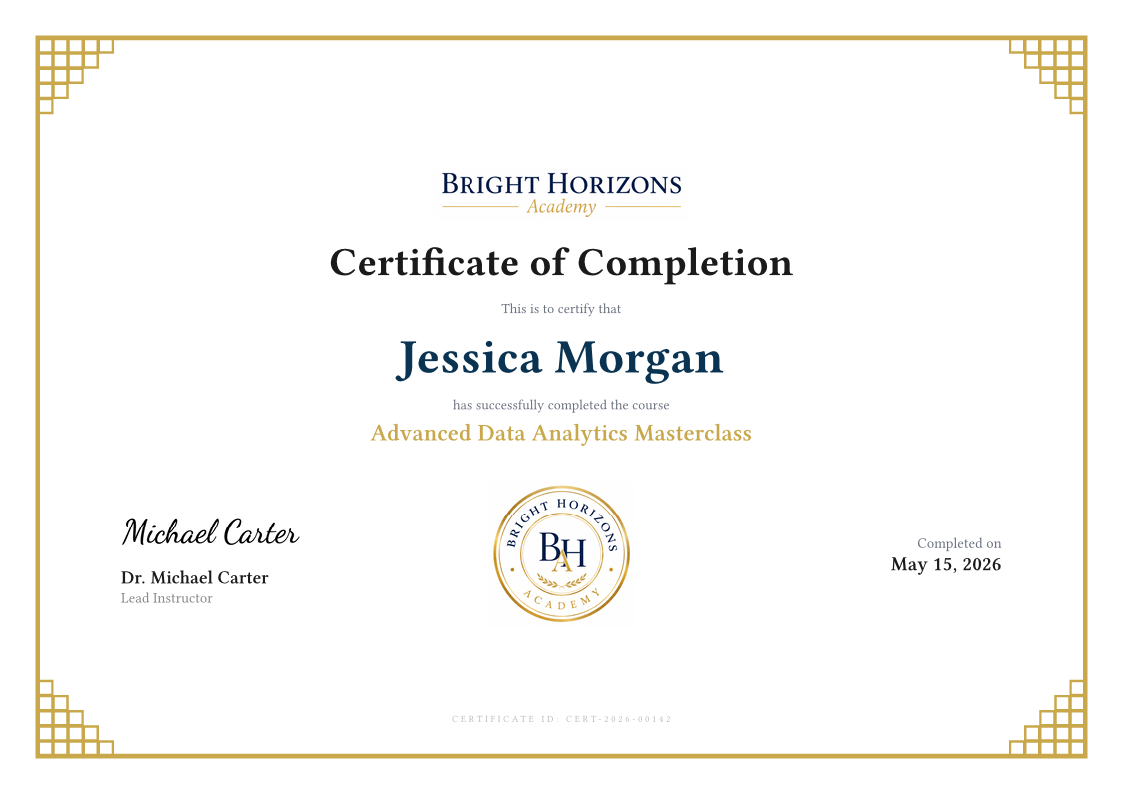
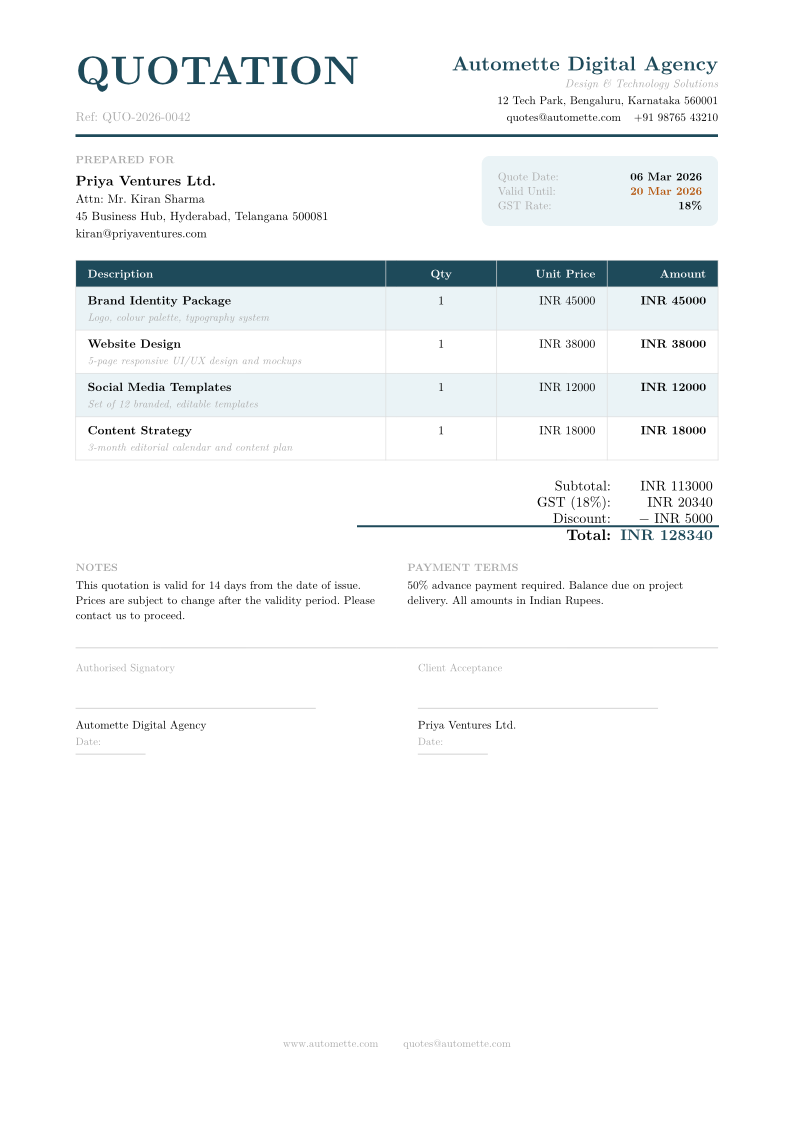
Every one of these can be filled from a spreadsheet row. Use one as it is, or change it to match your own.

Questions and answers
Does Automette see the rest of my Google Drive?
No. It asks for Google Sheets access and nothing else, and you point it at one spreadsheet by pasting that spreadsheet's link.
Do I have to move my data somewhere else?
No. The sheet stays where it is and stays the place your team works. Automette reads the row that is ready and writes the document's link back beside it.
What if a row is only half filled in?
Nothing happens until the column you chose says it is ready, so a row someone is still typing into is left alone.
What kind of files can it make?
PDFs, images such as PNG and JPG, and Word documents. One row makes one file.
Is there anything to install?
A short script goes into the spreadsheet once, because Google gives no other way for a spreadsheet to tell another application that a row changed. Automette generates it for you and the setup guide walks through pasting it.
Can one spreadsheet drive more than one document?
Yes. Make one automation per tab and template, and they all work from the same spreadsheet.
Connect a sheet and generate from your first row.
Start with one tab, one template and a status column. Free to start.